
Plans, Credits and Billing
RelistKit has four plans: Free, Starter, Growth and Pro. Each comes with a set number of AI credits every month, which RelistKit uses when its AI does work for you. Most of what you do never uses a credit. This article explains how plans and credits work, how to change your plan, and where to find your invoices. For what each plan includes and costs, see the pricing page.
Credits
A credit is what RelistKit spends when its AI does work for you:
- Writing a listing from your photos uses 1 credit each time RelistKit writes one. Generate again uses another.
- Researching a price uses 1 credit. Opening a price you researched earlier today is free. Research again uses another credit.

Everything else is free: cross-listing, filling forms, recording sales, your inventory, trackers and reports.
If RelistKit can't finish writing a listing or researching a price, no credit is used. A credit only comes off when you get the result.
Your monthly credits
Your plan's credits arrive each month on your reset date. Any you haven't used by the next reset date expire. To see how many you have left and when they reset, click Credits in the top menu.
The Credits page also shows your Credit history: every credit you've used, with a link to its item. Click Download CSV to save it.
Credit packs
Need more before your reset date? On a paid plan, you can buy a credit pack on the Credits page. Pack credits never expire, and RelistKit only uses them once your monthly credits run out.
When your monthly credits run out, RelistKit tells you on your dashboard, on the Credits page and in the RelistKit panel. Buy a pack, change your plan, or wait for your reset date.
Change your plan
- Open Settings.
- On the Your plan card, click Manage plan (or See plans on the Free plan).
- Click the button on the plan you want, like Upgrade to Growth or Choose Starter.
- Check what RelistKit shows you, then confirm.
Nothing changes until you confirm, and Not now closes without changing anything. Click Compare every feature to see what each plan includes.
- Moving up: you pay for the new plan today, less the unused days of your current one, plus tax. You get the new plan's credits right away, and the credits you had left this month come with you. Your billing date moves to today.
- Moving down: the smaller plan starts at the end of the time you've already paid for. You keep everything until then. To change your mind, click Keep and your plan's name.
- Moving to Free: click Move to Free, then Cancel my plan. Your plan runs until the end of what you've paid for, then you move to Free.
Nothing is deleted when you move to a smaller plan or to Free. Your items, sales and reports stay, and so do your pack credits. Features your new plan doesn't include are locked, and their records come back if you return.
On the Free plan, you mark sales by hand, cross-list to Poshmark and eBay, and can keep a limited number of items. If you already have more, they all stay, but you can't add more until you change your plan or archive items you no longer sell.
Refunds
Plans are refunded in full within 14 days of your first payment, or of a yearly renewal. While you can ask, the Your plan page shows an Ask for a refund button. Monthly renewals, credit packs and upgrades aren't refunded.
Billing and invoices
- Open Settings.
- On the Your plan card, click Billing and invoices.
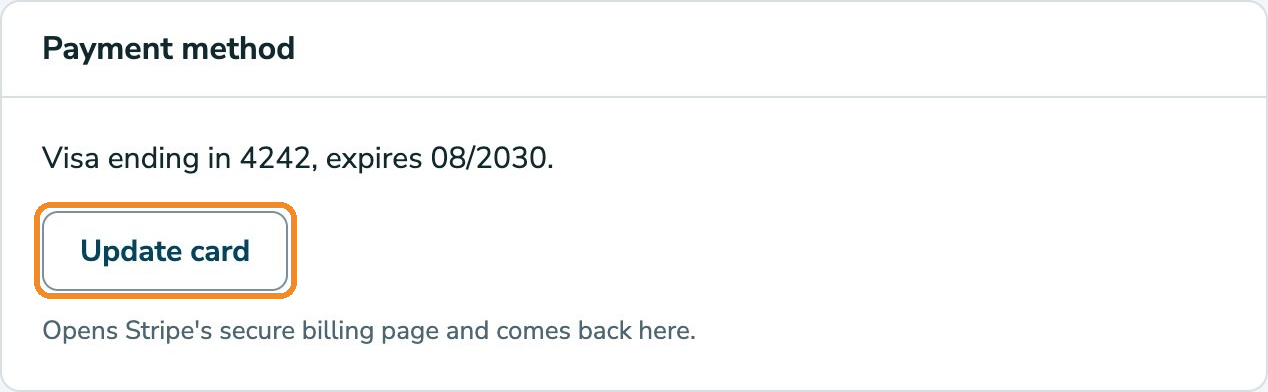
From there you can:
- Update card: change the card your plan is charged to, on Stripe's secure page.
- Change billing email: choose where receipts and invoices go. Your sign-in email stays the same.
- Download PDF: download any of your last 12 invoices.
Stripe, the company that handles RelistKit's payments, also emails you a receipt for every payment. Prices are in Canadian dollars, and the sales tax for your province is added. Each invoice shows it.
If a payment doesn't go through, RelistKit lets you know on your dashboard, and Stripe tries again over the next week. Your plan keeps working in the meantime. Click Update card to fix it.
Common questions
Do unused credits roll over?
Monthly credits don't: any left over expire on your reset date. Pack credits never expire. When you move up to a bigger plan, the monthly credits you have left come with you.
Was I charged for a listing that failed?
No. A credit only comes off when RelistKit finishes writing the listing or brings back a price.
When do my credits reset?
Once a month. Your reset date is on the Credits page.
If I move to Free, do I lose anything?
No. Your items, sales, reports and pack credits stay. Features Free doesn't include are locked until you change plans again.
Where do I get an invoice for my accountant?
Open Settings, click Billing and invoices, then click Download PDF beside the invoice.
I have a founding price. What happens if I change plans?
Moving up or down keeps your founding price. Moving to Free ends it.