
Your Monthly Business Review
On the first of each month, RelistKit looks back at the month that just ended and writes you a short review: how it went, what went well, what to keep an eye on, and three things to try next. It shows up on your dashboard and in your email. The monthly business review is part of the Pro plan, and it doesn't use any credits.
What's in your review
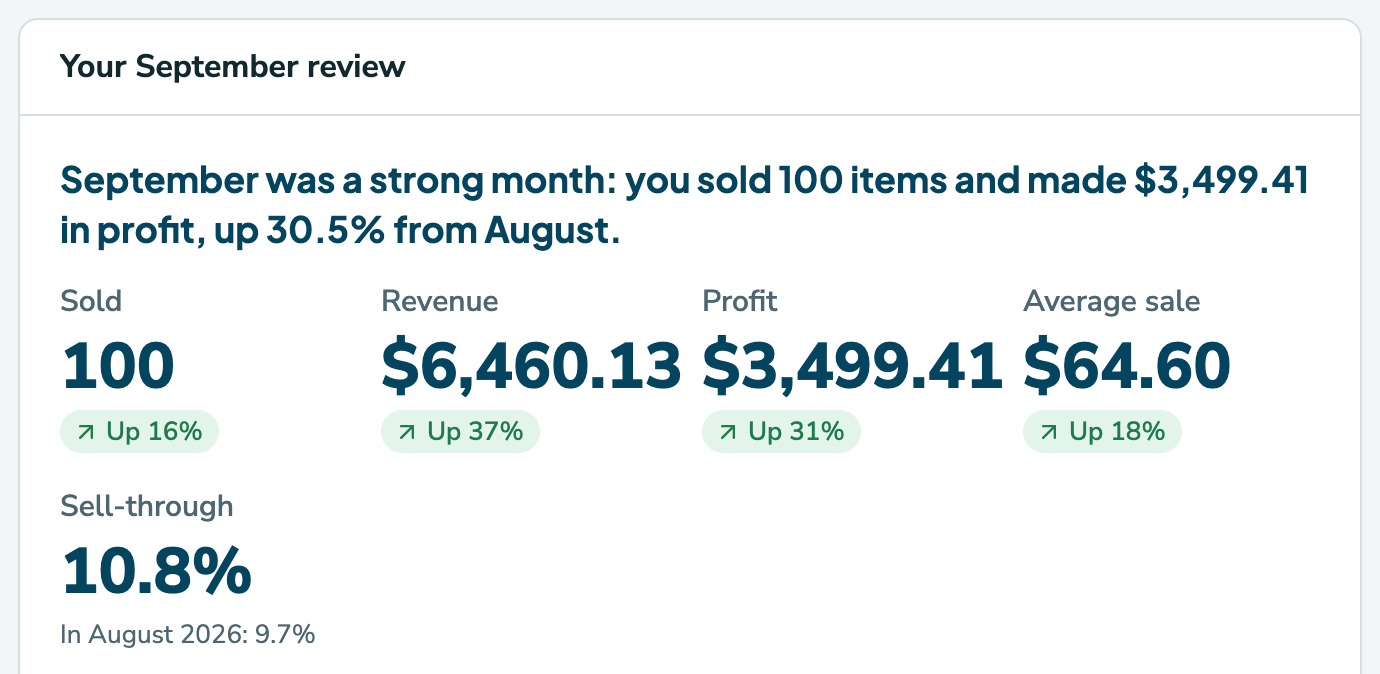
Your review starts with a one-line summary of the month, then five figures, each compared with the month before:
- Sold: how many sales you made.
- Revenue: what buyers paid in total.
- Profit: what you kept after fees, shipping labels, what your items cost, and any consignors' shares.
- Average sale: what a sale brought in, on average.
- Sell-through: the share of what you had for sale that sold.
Below the figures:
- What went well points out what worked, like a brand that sold fast.
- What to watch flags what might need attention, like items due a price drop.
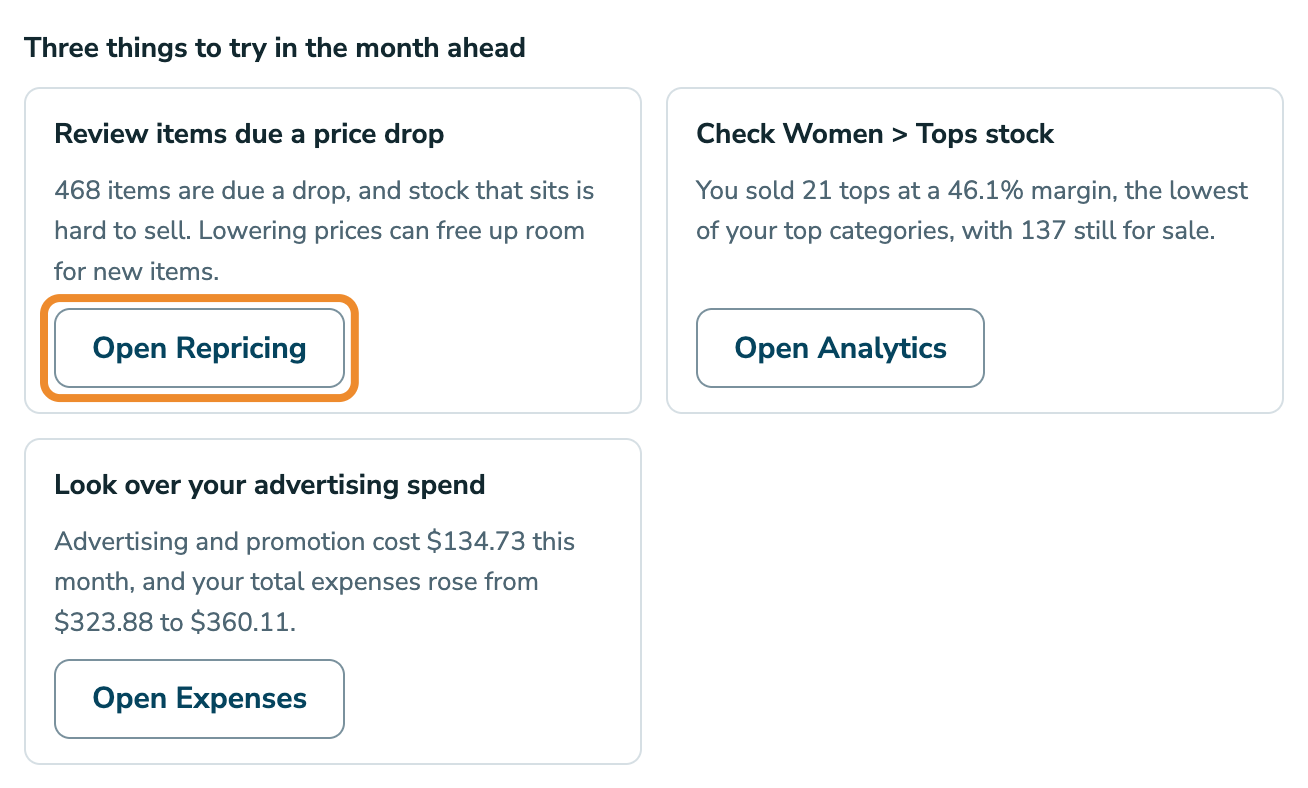
- Three things to try in the month ahead gives you three ideas, each with a button that opens the right page in RelistKit.
The figures come straight from your RelistKit records. AI writes the words around them, and every number it uses is checked against your records. If a review doesn't pass, RelistKit writes it again, and if it still doesn't pass, that month's review isn't shown or sent.
Where to find it
- Your dashboard: the review card sits near the top from the morning of the 1st. Click Done with this to put it away until next month.
- Your email: a copy goes to your account's email address.
- Reports → Reviews: every review you've had, newest first. You can also click Past reviews on the dashboard card.
Stop the emails
- Open Settings.
- In the Notifications card, switch off Monthly business review by email.
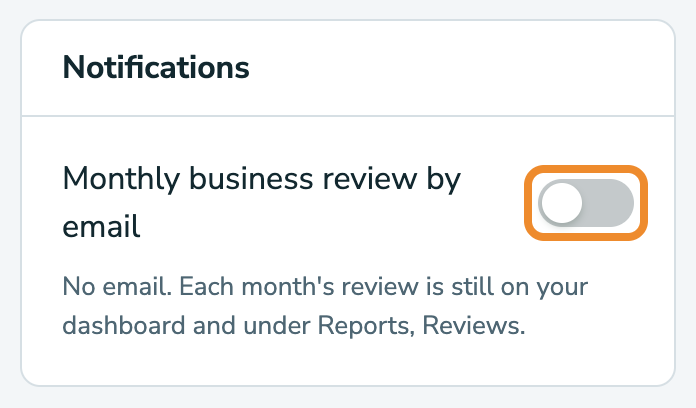
Your reviews still appear on your dashboard and under Reports → Reviews. To get the emails again, switch it back on.
Common questions
When does my review arrive?
From 6 a.m. on the 1st of each month, in the time zone set in Settings → Your details. Your first one comes after your first full month on Pro.
I didn't get a review this month. Why?
The most likely reasons:
- You made fewer than 5 sales. That's too few to say much, so there's no email, but your dashboard still shows the month's figures.
- The email is switched off under Settings → Notifications.
- You weren't on the Pro plan when the month ended.
If none of those fit, contact support and we'll take a look.
What does the AI see?
Your figures, plus the names of your brands and categories. It never sees your item titles or descriptions, or the names of your consignors or the stores you buy from.
Does it use my AI credits?
No. The monthly review comes with the Pro plan, once a month.
Can I get a review on Growth?
The monthly business review is part of Pro. On Growth, Reports → Analytics has the same kinds of figures, without the written review.