
Resetting Your Password
If you can't sign in, you can set a new password from the sign-in page. The reset link comes by email, works once, and lasts 24 hours.
1. Ask for a reset link
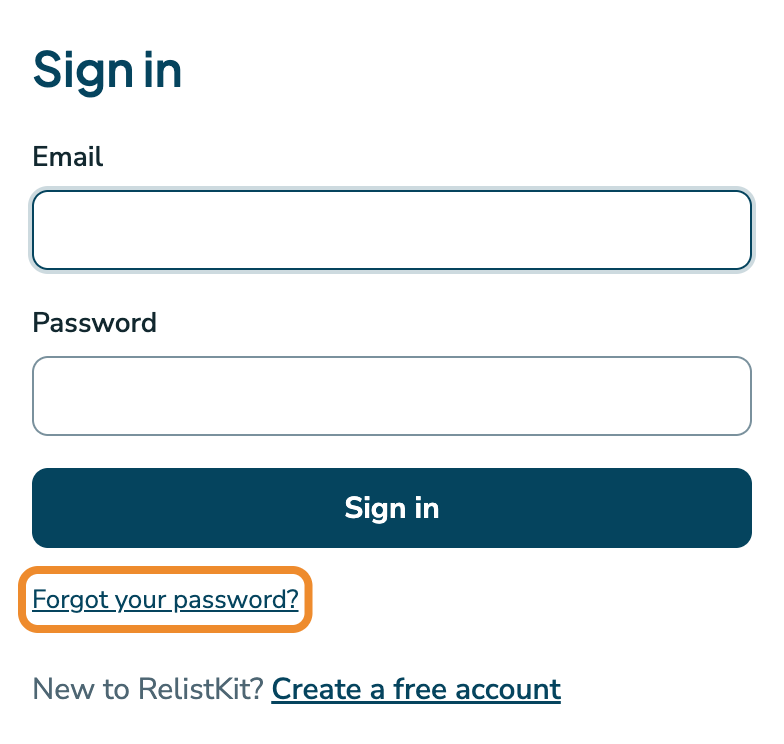
- Go to the sign-in page, app.relistkit.com/login.
- Click Forgot your password?.
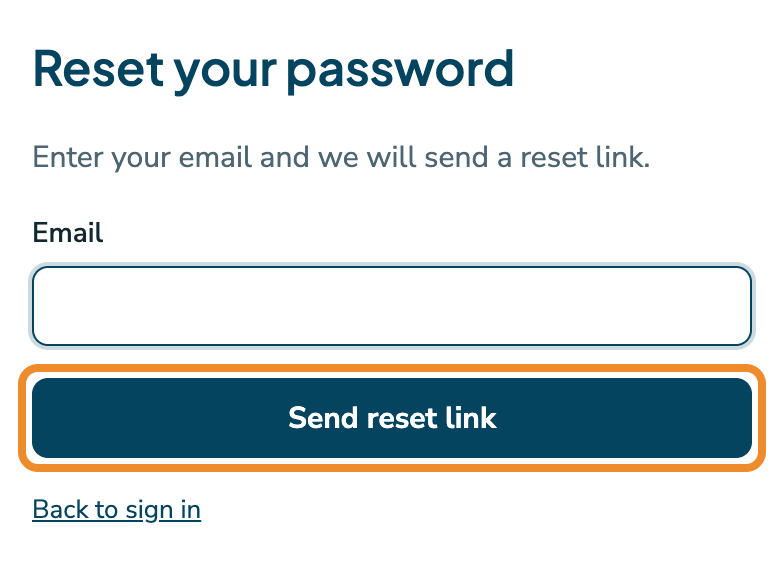
- Enter the email address you sign in with.
- Click Send reset link.
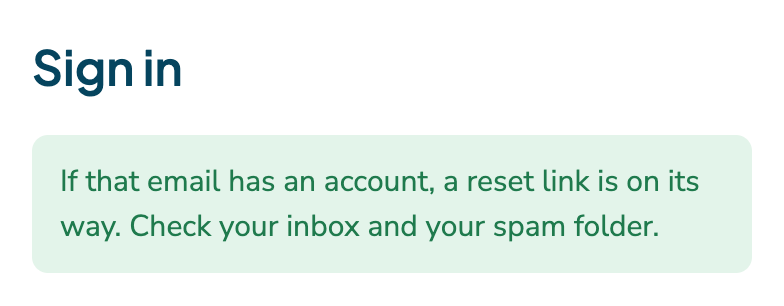
The sign-in page then says a reset link is on its way.
The email usually arrives within a minute. If it doesn't, check your spam folder.
The page gives the same answer whether or not the address has an account. That's on purpose, so nobody can use it to find out who uses RelistKit.
2. Choose a new password
- Open the email "Reset your RelistKit password", and click Choose a new password.
- A page opens with a New password field, already filled in with a suggested strong password. Keep it and save it somewhere safe, like your browser's password manager, or type your own. Use at least 8 characters; twelve or more is better.
- Click Save Password.
- When the page says your password has been reset, click Log in, and sign in with your new password.
If you type a weak password, the page asks you to tick Confirm use of weak password before it saves. Choose a longer one instead.
If the link has expired
A reset link works once, lasts 24 hours, and stops working as soon as you ask for a newer one. If you open an old link, the reset form opens with the notice "That reset link has expired or was already used. Request a fresh one below." Enter your email, and click Send reset link.
Common questions
No email came.
Check your spam folder, and check that you typed the address you sign in with. If it still doesn't come, contact us at [email protected].
Does resetting sign me out elsewhere?
Yes, on every device.
Does the browser extension need anything after a reset?
No. It has its own connection and keeps working.
The Set your password link in my welcome email has expired.
Click Forgot your password? on the sign-in page, and follow the steps above.
I know my password. I just want to change it.
Use the Password card on the Account page instead. See Your Account.